.svg)









.svg)
Scenario: I have set up an automatic transfer within the Keesler Federal online and mobile banking system to pay my loan from my checking account, savings account or a non-Keesler Federal financial institution.
- Log in to your Keesler Federal account from online or mobile banking
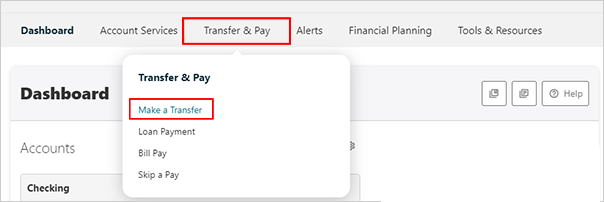
- Under the Transfer & Pay menu item select Make a Transfer
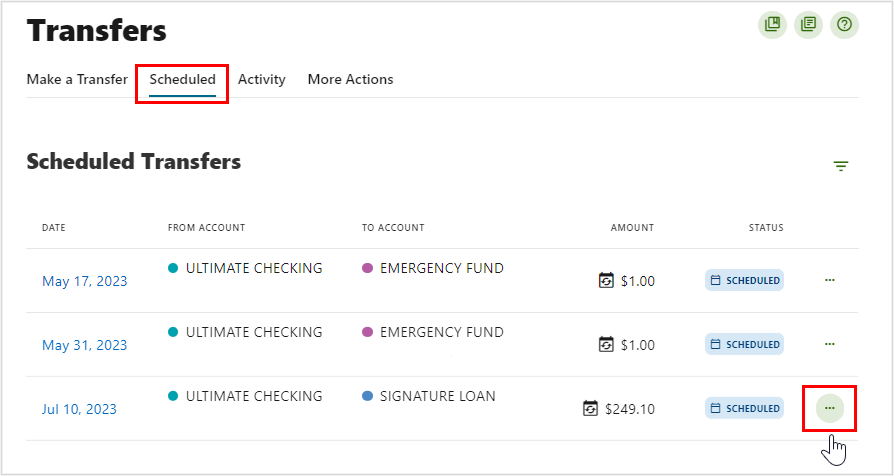
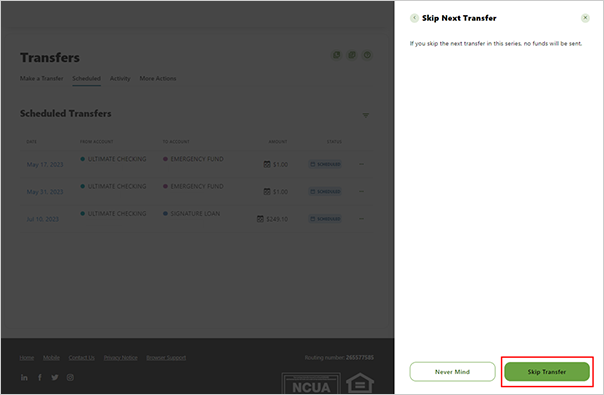
- Select the SCHEDULED tab to display your Scheduled Transfers
- Locate the scheduled transfer/payment you wish to skip
- Click on the ellipsis (“…”) to the right of the transfer/payment
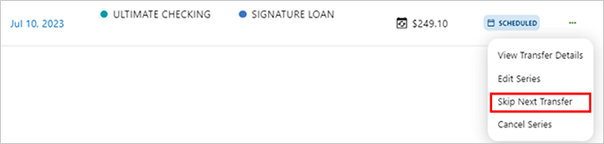
- In the ellipsis (“…”) dropdown, choose “Skip Next Transfer”
- When the “Skip Next Transfer” window opens, click “Skip Transfer” at the bottom
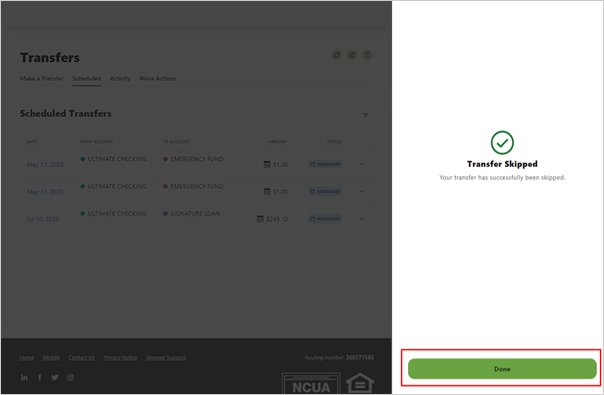
- Hit Done to review next transfer date