.svg)









.svg)
Help with Sending and Receiving Money
Find answers to common questions about transferring money with Keesler Federal. Learn how to send funds, use Zelle®, complete wire transfers, and move money between accounts securely.
Browse Money Transfer Help Topics
Transfer Funds Between Accounts
The easiest way to transfer funds between your Keesler Federal accounts is via online banking under the Transfer & Pay tab.
You can transfer up to your Keesler Federal credit card limit from another credit card. Keesler Federal states that it does not charge balance transfer fees, and you can get started by completing the Balance Transfer form.
This is a domestic wire transfer from your Keesler Federal account to another U.S. financial institution. Requests received by 1:00 PM CST Monday through Friday, excluding federal holidays, are processed the same day, and funds may take up to 24 hours to be received. Below are links to the required forms:
- Wire/Funds Transfer Agreement form must be completed before a domestic wire can be processed. Scan the completed form and email to domesticwires@kfcu.org or fax to 228-294-8173.
- Business Services Wire Transfer Form must be completed before a business transfer can be processed. Scan the completed form and email to domesticwires@kfcu.org or fax to 228-294-8173.
Cost: Please refer to the fee schedule (Free for Elite Prime Members).
Questions? Please call us at 1-888-533-7537.
This is an international wire transfer from your Keesler Federal account to another financial institution outside the United States. Enrollment in Keesler Federal online and mobile banking and eStatements is required, and Keesler Federal may contact you to verify instructions and provide disclosures.
Instructions and methods of delivery:
- Complete the International Wire Transfer Information Form.
- Email a signed, scanned copy of this to retailsupport@kfcu.org
- Fax the signed form to 228-385-4424
- Send an email through your online banking account. Please be sure to include all necessary instructions for the wire.
For International Wire questions, please call 1-888-533-7537, ext. 6140 (in the U.S.) or 0-800-585-765 (in Europe).
Send Money to Someone
We offer P2P payment services such as Zelle®, available in online & mobile banking on our mobile app. Learn more about Zelle®.
Set up Scheduled Payments
Set up scheduled payments from your Keesler Federal share accounts or from other financial institutions to your Keesler Federal account.
You can set up pre-authorized payments at no charge using the ACH Transfers feature inside online and mobile banking. Click on the Transfers widget, select Classic View and add an External Account to enter the other financial institution information.
You may also set up a scheduled payment by filling out our Pre-Authorized Payment Form. Please note there is a $10 processing fee if using the paper form to initiate a new pre-authorized payment or to revise an existing one. There is no charge to use the form to cancel an existing pre-authorized payment.
This form can be dropped off at any Keesler Federal branch or sent by mail, fax or email:
- Mail: P.O Box 7001 Biloxi, MS 39534, Attn: Retail Support
- Fax: 228-385-4424
- Email: retail.support@kfcu.org
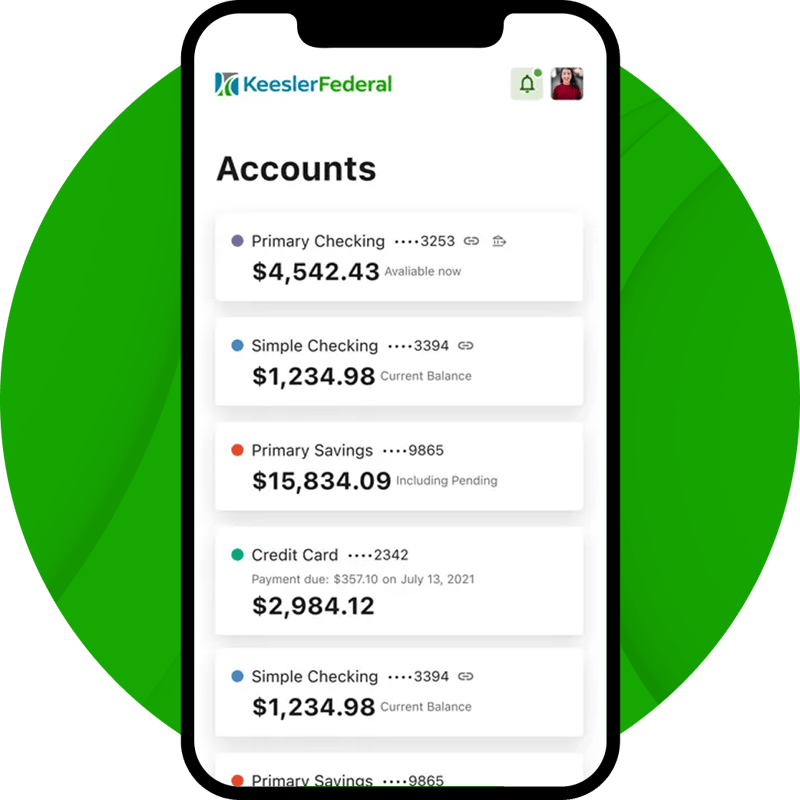
Bank Anytime with the Keesler Federal Mobile App
The Keesler Federal Mobile Banking App lets members securely access accounts, deposit checks, transfer funds, and track everyday spending directly from their phone.
- Securely check balances, move money, and deposit checks from anywhere
- Deposit checks, pay bills, and send money quickly using secure mobile banking tools
- Set up account alerts and track spending to stay in control of your finances
.svg)