.svg)









.svg)
Scenario: I have set up a recurring loan payment from another financial institution through the Keesler Federal Payment Portal.
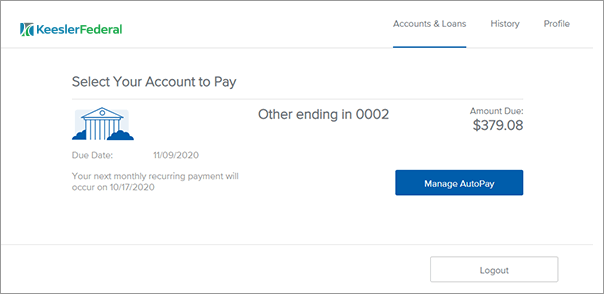
- Log in to the Payment Portal
- Click on Manage AutoPay
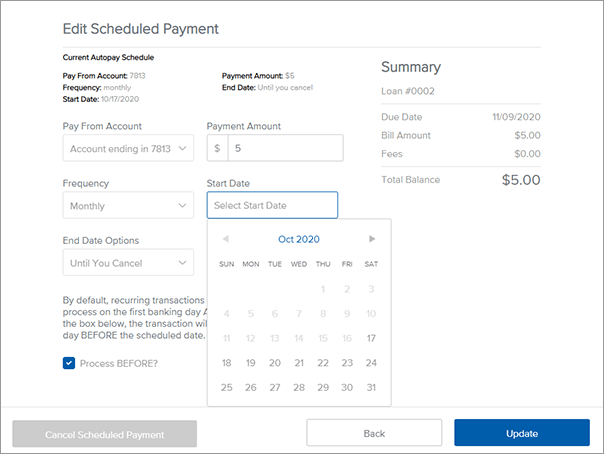
- Edit the Start Date field to the date of next desired payment and click Update. Alternatively, you can click on Cancel Scheduled Payment to cancel the scheduled payment altogether.
- You will get an email to the Payment Portal registered email confirming the changes.